

Build Cyrosil File Storage Workflows
Connect Cyrosil File Storage with hundreds of AI models, popular tools, utility functions or AI generated nodes. Automate your work faster and better than ever before - all visually with no-code ease and low-code power!
Node stack
Cyrosil File Storage Triggers & Actions
You can modify the node logic, connect additional tools or database nodes, or generate your own custom nodes using AI if an integration isn’t available.
Delete File
Checks if a file exists in Cyrosil's GCP storage and deletes it
Delete Folder
Deletes a folder in Cyrosil's GCP Storage if it exists.
File Rename
Checks if a file exists at a given path in Cyrosil's in-built GCP storage and renames it
Generate Public Download URL
Generate a publicly accessible download URL from Cyrosil's Google Cloud Storage file path.
List Files
List files in Cyrosil's GCP storage bucket directory
Move File
Checks if a file exists in Cyrosil's GCP Storage and if it does, moves it to a different location.
Move Folder
Check if a folder exists in Cyrosil's GCP storage and move it along with its contents to a different path.
Rename Storage Folder
Renames a given folder in Cyrosil's GCP Storage if it exists.
Upload Base64 File
Uploads a Base64 file to Cyrosil's in-built Google Cloud Storage Bucket and returns the public URL
Upload File
Uploads a file to Cyrosil's in-built Google Cloud Storage Bucket and returns the public URL
Upload File Buffer
Uploads a file from a buffer to Cyrosil's in-built Google Cloud Storage Bucket and returns the public URL
Upload File From URL
Uploads a file from URL to Cyrosil's in-built Google Cloud Storage Bucket and returns the public URL
Upload Text to File
Uploads a text content to the in-built Cyrosil GCP storage bucket and returns the file's public URL.
Zip Folder
Zips an existing folder in Cyrosil's GCP storage and returns a download url.
Pair Cyrosil File Storage with any App
Make use of Cyrosil File Storage's prebuilt nodes or generate your own with AI if something is missing. Pair up with 100s of other apps to build out any idea fast.
Search apps…















Quick start
How to connect Cyrosil File Storage to your workflow
Step 1 — Add the Cyrosil File Storage node
Create a new workflow in Cyrosil, click “Add node”, and select the actions you want to use.
Step 2 — Configure the node
Authenticate (or add your API key) and fill in the required parameters.
Step 3 — Build your flow logic
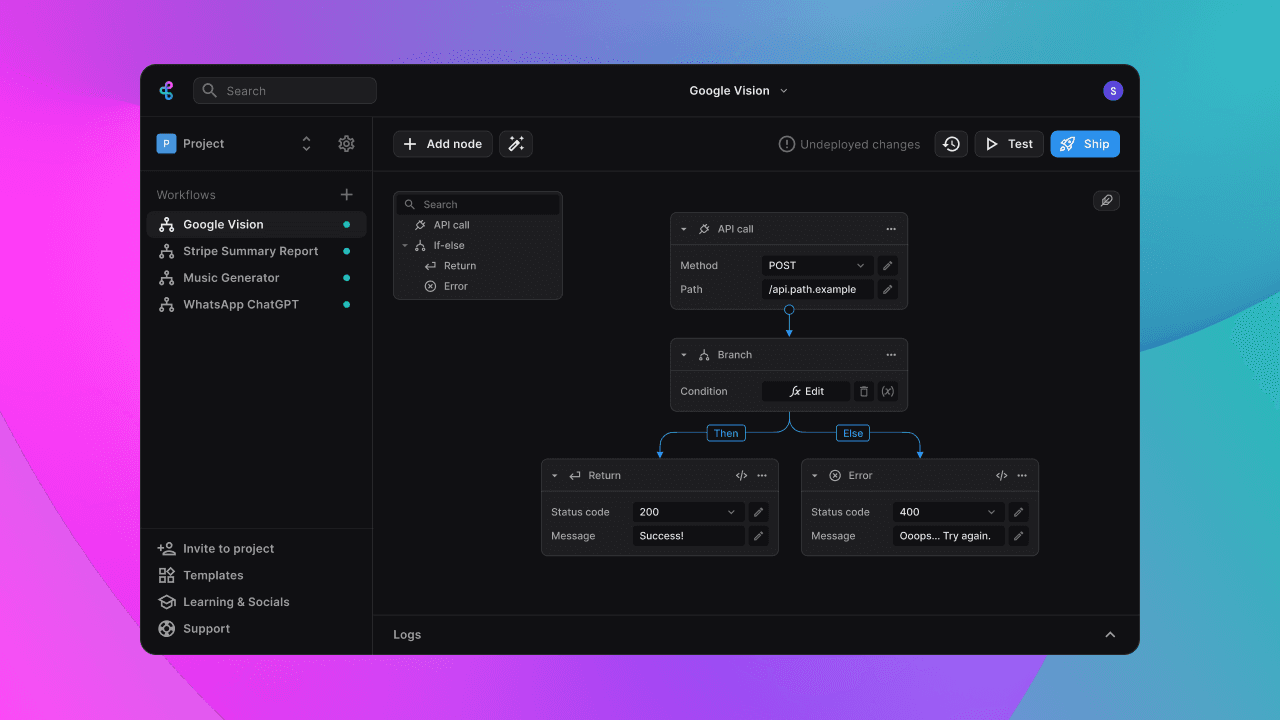
Each node in Cyrosil can connect to others by using their output variables. When you reference a variable from one node in another, Cyrosil automatically links them in the workflow.
Step 4 — Test your workflow
Define your starting data in the Inputs node and choose what to do with the result in the Flow Output node. Finally, run a test to see your workflow in action.
blog posts & tutorials
Recommended Reads
Below are recommneded blogs that will help in your journey

support
Need Help?
Here are some helpful resources to get you "unstuck"
Join Cyrosil Community ->
An active and large community of no-code / low-code builders. Ask questions, share feedback, showcase your project and connect with other Cyrosil enthusiasts.
Hire a Cyrosil Expert ->
Need personalized help to build your product fast? Browse and hire from a range of independent freelancers, agencies and builders - all well versed with Cyrosil.
Send a Support Request ->
Got a specific question on your workflows / project or want to report a bug? Send a us a request using the "Support" button directly from your Cyrosil Dashboard.
Feature Request ->
Something missing in Cyrosil for you? Share on the #FeatureRequest channel on Discord. Also browse and cast your votes on other feature requests.